



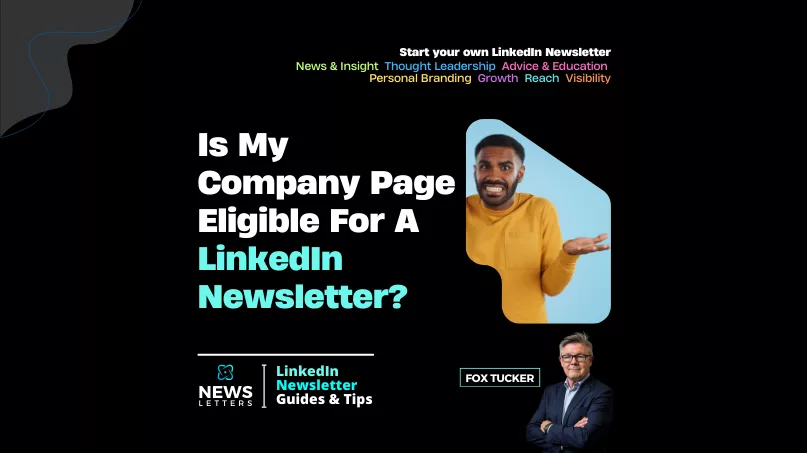
LinkedIn® applies access criteria to Company Page newsletters. Here is how to check whether the option is available and what LinkedIn currently says it evaluates. Once access is confirmed, use the Company Page newsletter launch guide before publishing the first edition.
Step 1: Go to your LinkedIn® Company Page using a desktop browser.
Step 2: In the Page’s super or content admin view, select Create in the left menu.
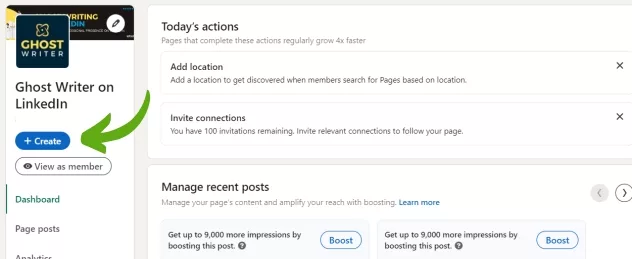
Step 3: Select Create a newsletter. If the option appears, the Page currently has access.

If you do not see the option, the Page may not currently meet LinkedIn®’s access criteria.
Eligibility
Pages must meet the following criteria to create a newsletter:
- Audience base
Pages with more than 150 followers and/or connections are eligible to be evaluated for LinkedIn® Newsletters access. - Recent shares of original content
LinkedIn® says it looks for Pages with experience creating original content, including posts with text, images or video and published articles. - Good standing
LinkedIn® says both the Page and its admins must have a good-standing record under its Professional Community Policies.