
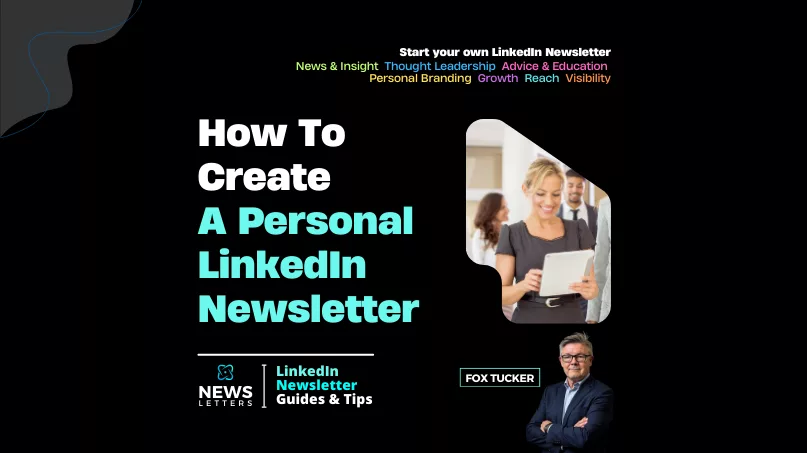
This guide covers the practical steps for creating a personal LinkedIn® newsletter and shaping a subject you can sustain. A newsletter can make your expertise easier to follow, but the feature does not guarantee attention or professional authority. If you are deciding whether the publication should belong to you or your organisation, read the personal versus Company Page comparison first.
Eligibilty: All LinkedIn® members have access to create a newsletter on LinkedIn.
1. Choose Your Niche and Audience
The first step to creating a successful newsletter is deciding who you want to reach and what you want to talk about. Pick a niche that aligns with your expertise and is relevant to your audience. Whether it’s industry trends, professional advice, or personal insights, clarity in your theme will attract subscribers who are genuinely interested in your content.
Action Points:
- Identify your niche and key audience demographics.
- Research trending topics in your industry to find content ideas.
- Tailor your content to your target audience’s needs and interests.
2. Set a Consistent Publishing Schedule
Consistency is crucial in building a loyal readership. Choose a publishing frequency that works for you—whether it’s weekly, bi-weekly, or monthly—and stick to it. Subscribers are more likely to stay engaged when they know when to expect new content.
Action Points:
- Start with a manageable publishing frequency.
- Use content calendars or scheduling tools to plan ahead.
- Be consistent in publishing to maintain audience engagement.
3. Create High-Quality, Valuable Content
Your newsletter should deliver value to your audience. Think about what they’ll gain from each edition—whether it’s actionable advice, a fresh perspective, or industry news. The more valuable your content, the more likely people are to read and share it.
Action Points:
- Focus on delivering actionable insights or advice that readers can implement.
- Include personal anecdotes or real-world examples to make your content more engaging.
- Avoid being overly promotional—aim to educate or inform.
4. Design Your Newsletter with Visual Appeal
First impressions matter, and a well-designed newsletter can enhance readability and engagement. Choose a clean layout, use eye-catching images, and ensure your branding is consistent across every edition.
Action Points:
- Use Canva or other design tools to create branded visuals.
- Include high-quality images that reflect your message.
- Stick to a consistent format for ease of reading.
5. Promote and Engage with Your Readers
Once you’ve published your newsletter, share it across LinkedIn® and other platforms to build awareness. Encourage your subscribers to comment, share, or engage with your content to create a two-way dialogue.
Action Points:
- Promote your newsletter across your LinkedIn® profile and other social media platforms.
- Respond to comments and engage with readers to build a sense of community.
- Encourage readers to share your newsletter with their network.